
The goal is to run virt-manager from my Mac to manage VMs on a couple of remote KVM/QEMU host servers without needing to install an X11 environment on them. I’ve documented two options: the first uses a local virtual machine (VirtualBox/Parallels/…) with Ubuntu and a minimal GUI environment (just Xorg/X11 and virt-manager), the second uses HomeBrew.
Virtual Machine Option
I have Parallels as virtualization software, but this should work exactly the same with VirtualBox or any other virtualizer on your Mac.
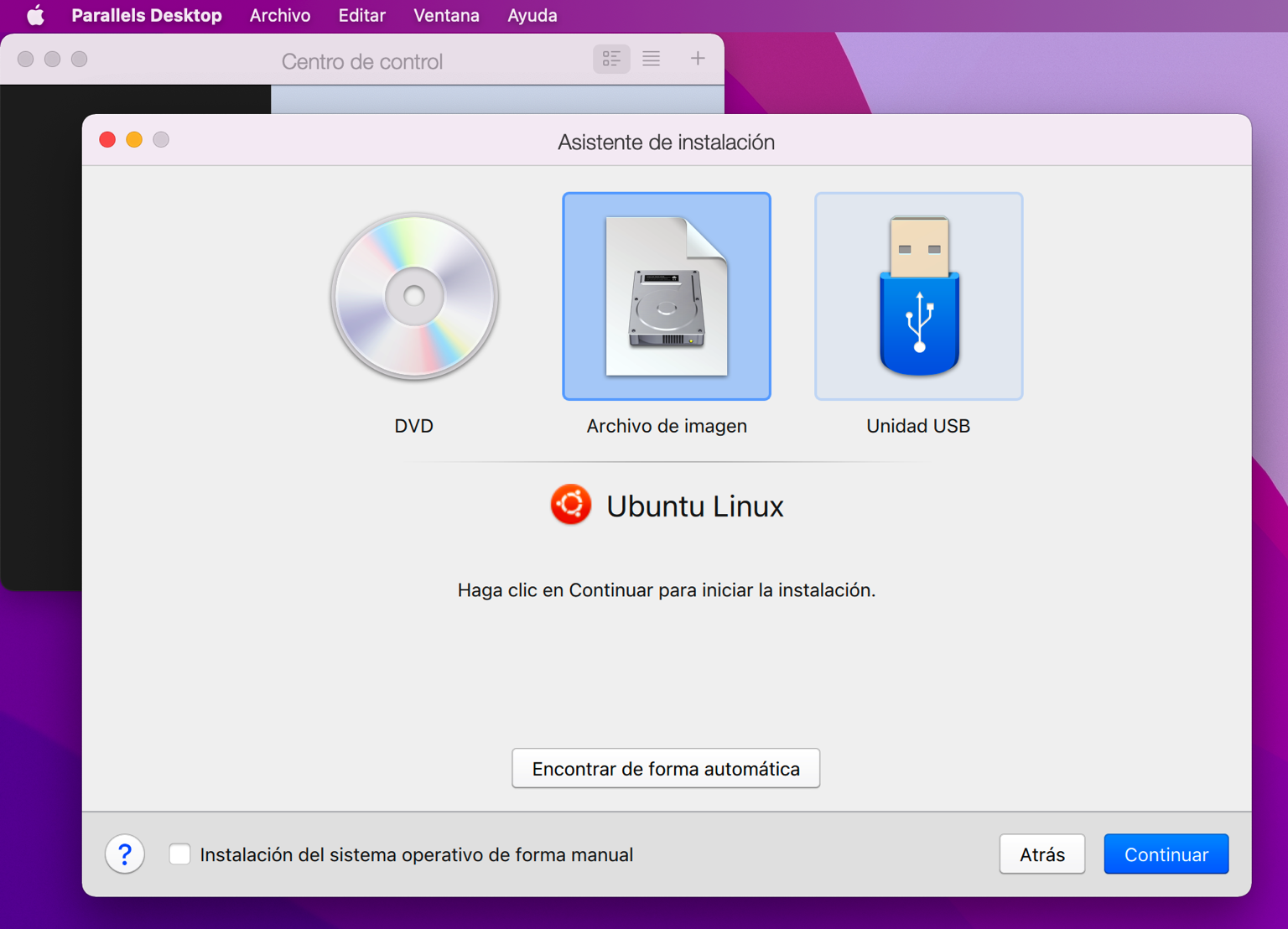
VM Installation with Ubuntu
- I create a VM with Ubuntu Server 20.04 LTS: ubuntu-20.04.3-live-server-amd64.iso
- I install the Parallel Tools (optional)
- Shared networking — it will automatically assign an IP from the private range.
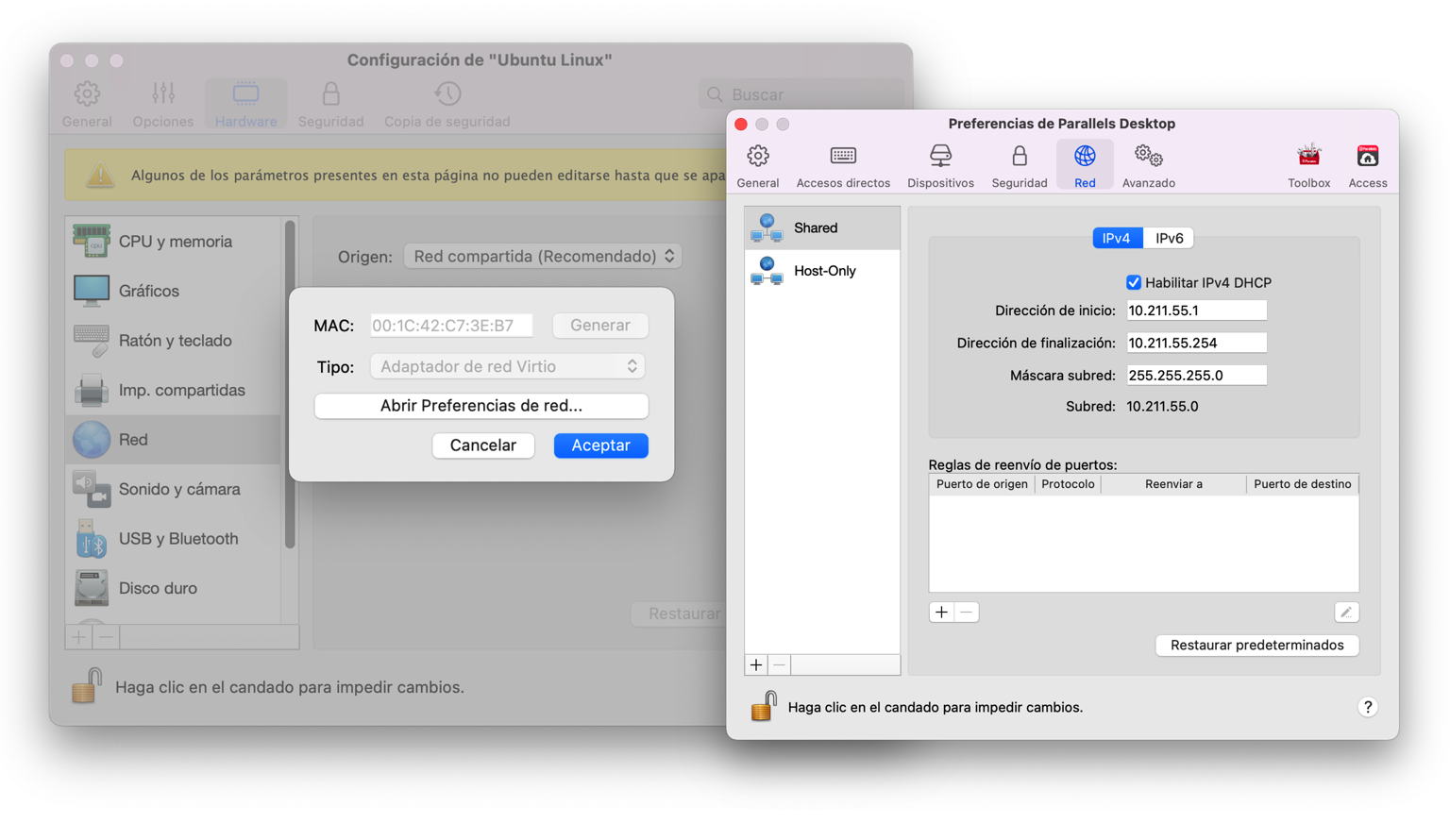
Network configuration from Parallels
- Parallels creates an entry in
/etc/hostswith the virtual machine’s name and its IP. I verify it works and also disable the Ubuntu motd (Message of the Day).
luis@macos:~$ ssh -p 22 ubuntu-linux
:
luis@ubuntu:~$ touch $HOME/.hushlogin
- I set up the minimal Xorg/X11 environment (more info):
luis@ubuntu:~$ sudo apt install xauth
:
luis@ubuntu:~$ sudo apt install virt-manager ssh-askpass-gnome --no-install-recommends

luis@ubuntu:~$ sudo apt install -y spice-client-gtk
- I set up SSH to connect from my
ubuntuVM to a server calledtierrarunning KVM/QEMU. Here’s a guide on SSH in Linux and another on SSH and X11 as root.
 virt-manager                   libvirtd
 host:ubuntu                    host:tierra
+-------------+               +--------------+
| luis@ubuntu | ---- ssh ---> | luis@tierra  |
+-------------+               +--------------+
- I configure the SSH client on
ubuntu. In my case, thetierraserver requires public key authentication.
luis@ubuntu $ ssh-keygen -t rsa -b 2048
- On the
@tierraserver, I add the user to thelibvirtgroup.
root@tierra # cat /etc/group
:
libvirt:x:116:luis
- I verify…
luis@macos:$ ssh -Y -a luis@ubuntu-linux
:
luis@ubuntu:~$ ssh tierra
Enter passphrase for key '/home/luis/.ssh/id_rsa':

luis@tierra:~$
luis@tierra:~$ id
uid=1000(luis) gid=1000(luis) grupos=1000(luis),4(adm),24(cdrom),27(sudo),116(libvirtd)
Connecting from virt-manager in the virtual machine
luis@macos:$ ssh -Y -a -p 22 luis@ubuntu-linux
:
luis@ubuntu:~$ virt-manager
- File > Add Connection
- Hypervisor: QEMU/KVM
- (x) Connect to remote host via SSH
- Username: luis
- Hostname: tierra.yourdomain.com
- Autoconnect: (X)
- Generated URI: qemu+ssh://luis@tierra…
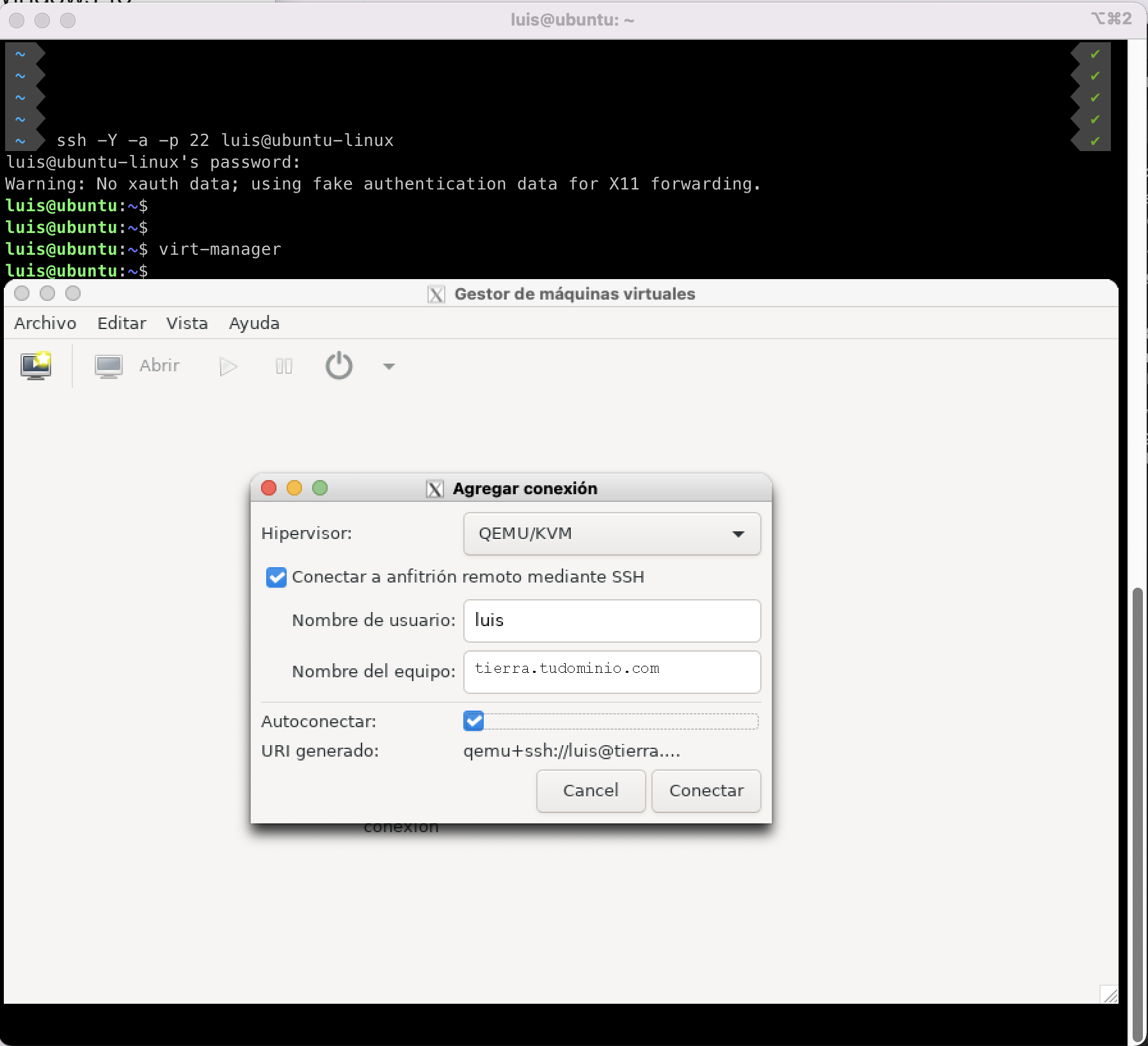
Remote SSH connection configuration
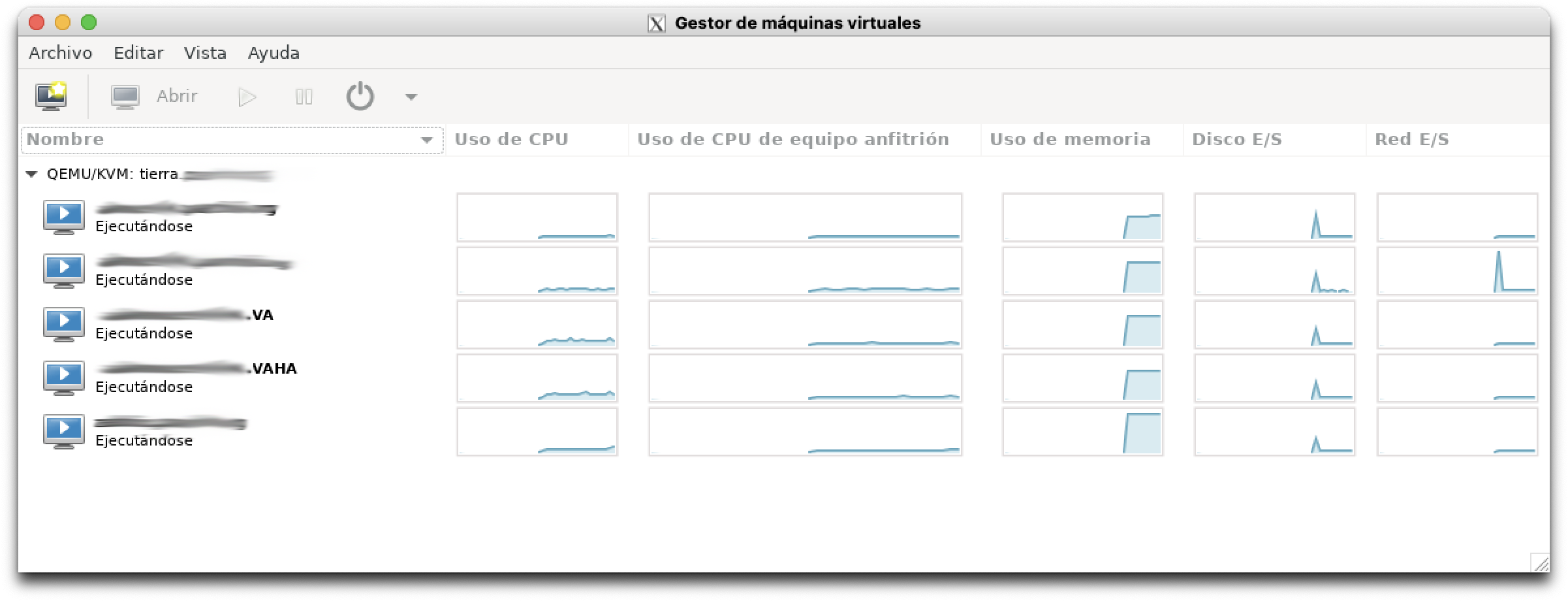
Virt-manager GUI
- Command-line connection
You also have the option to connect directly from the command line, or if your remote server listens on a different SSH port, replace XXXXX with the port number.
luis@ubuntu$ virt-manager -c 'qemu+ssh://luis@tierra.yourdomain.com/system?keyfile=id_rsa'

luis@ubuntu$ virt-manager -c 'qemu+ssh://luis@tierra.yourdomain.com:XXXXX/system?keyfile=id_rsa'
HomeBrew Option
- Virt-manager is not available in HomeBrew. There’s a custom formula that allows installing it, but it’s outdated and broken. Thanks to this Issues/184 and multiple forks, I found Damenly’s, which looks promising. Note that it’s super simple — it only installs virt-manager, not libvirt, and doesn’t support certain dependencies (such as the SSH password; read the README).
- I had some issues installing it and ended up uninstalling it. I’m leaving this here for tracking purposes.
brew tap Damenly/homebrew-virt-manager
brew install virt-manager --HEAD
brew install virt-viewer
- Once installed, we run:
export XDG_DATA_DIRS="/opt/homebrew/share/".
virt-manager -c test:///default