In this post I describe how to repurpose an old MacBook Air (2015) by installing Linux on it and extending its useful life. Over time, these Macs become nearly useless machines, painfully slow and with insufficient memory.
Why not take advantage of them with Linux? A 2015 MacBook Air with 8GB of RAM and a 128GB drive can become a very useful machine.
Installation
I chose Ubuntu Desktop for the installation. These are the steps I followed:
- Download the ISO from Ubuntu 22.04.2 LTS Desktop
- Flash the ISO onto a USB drive with balenaEtcher from another Mac.
- Insert the USB into the MacBook Air and boot while holding down the ALT key
- Double-click on EFI BOOT
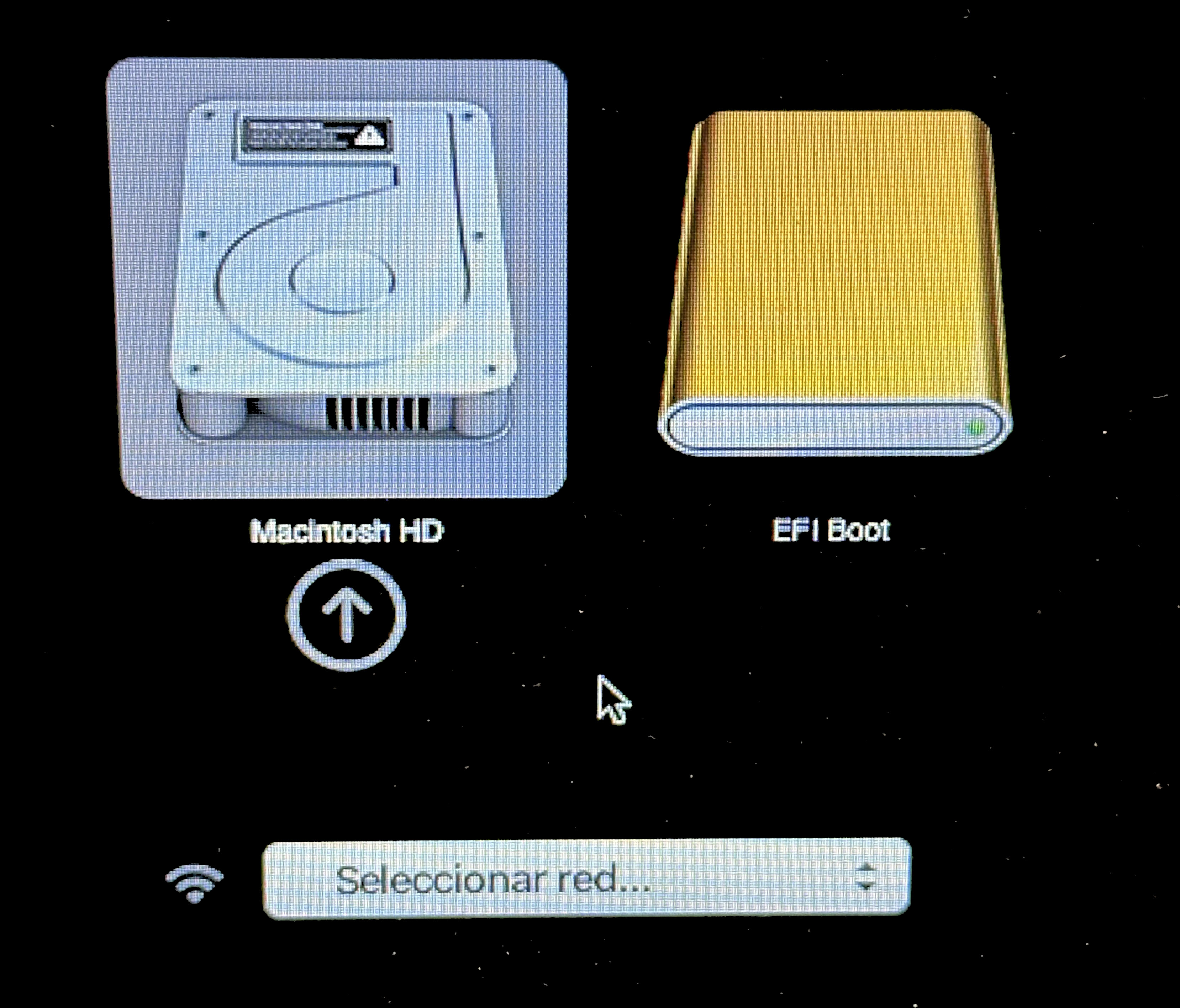
Selecting the EFI Boot option
- Select Try or Install Ubuntu
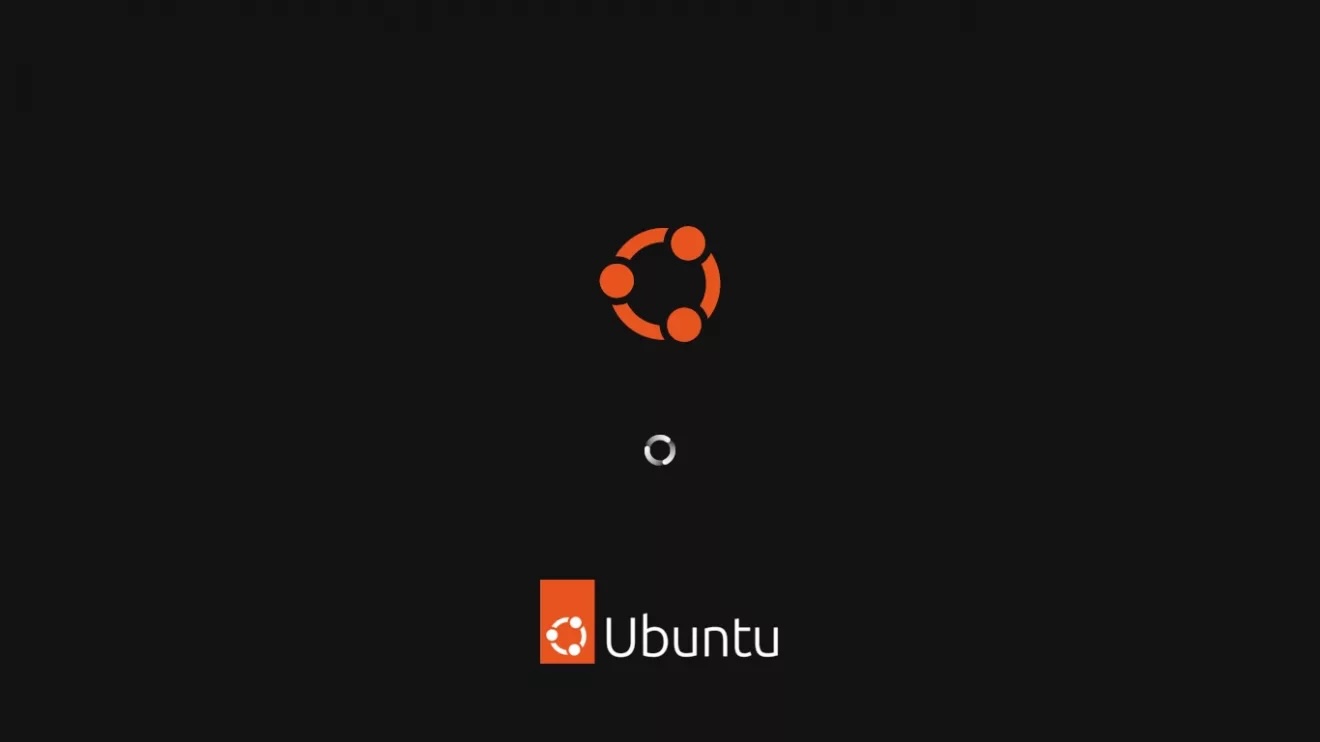
After a few seconds it starts booting
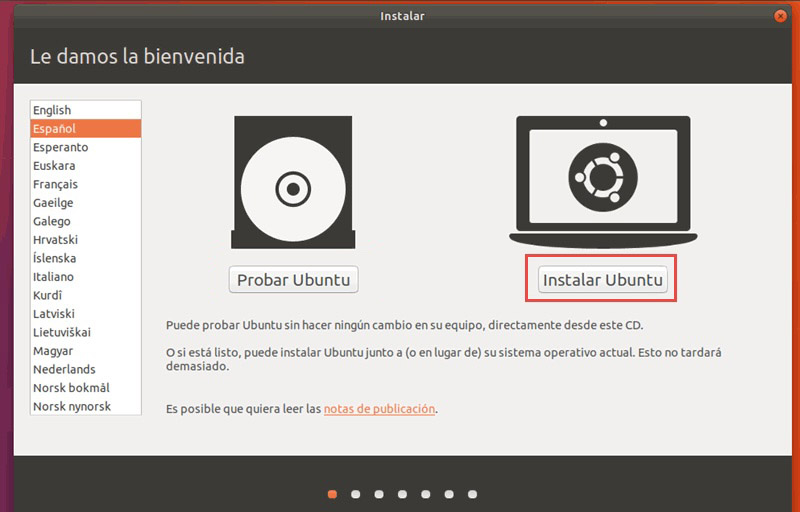
Selecting the Install Ubuntu option
- Select Spanish (or your preferred language)
- Select the minimal installation option and also Install third-party software

Minimal installation

Option to install third-party software
- Select erase disk and install Ubuntu
- My time zone.
- My user details
- Installation begins – it will take a while.
- When finished, remove the USB and restart the system
If you don’t want a GUI, from here you only need to disable it.
- How to disable the Ubuntu GUI
sudo systemctl set-default multi-user
- That’s it, a fully operational Ubuntu on a solid machine. Reboot.
reboot